
Skocz do zawartości
View in the app

A better way to browse. Learn more.

MedFor.me - Medycyna. AI. Obiektywnie

A full-screen app on your home screen with push notifications, badges and more.

To install this app on iOS and iPadOS
  1. Tap the Share icon in Safari
  2. Scroll the menu and tap Add to Home Screen.
  3. Tap Add in the top-right corner.
To install this app on Android
  1. Tap the 3-dot menu (⋮) in the top-right corner of the browser.
  2. Tap Add to Home screen or Install app.
  3. Confirm by tapping Install.

iOS 26 review

Hi,

Let’s be honest - new iOS 26 is a huge change!

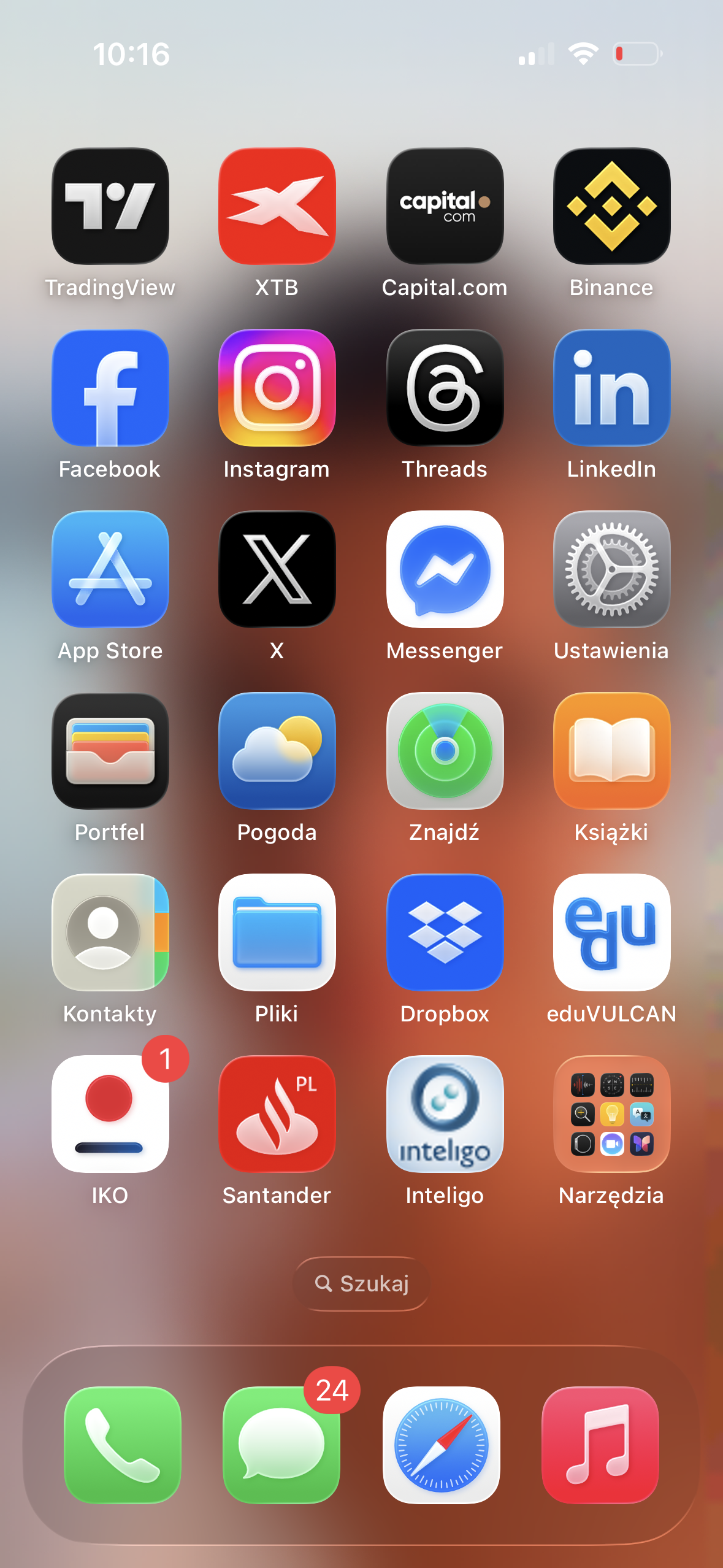
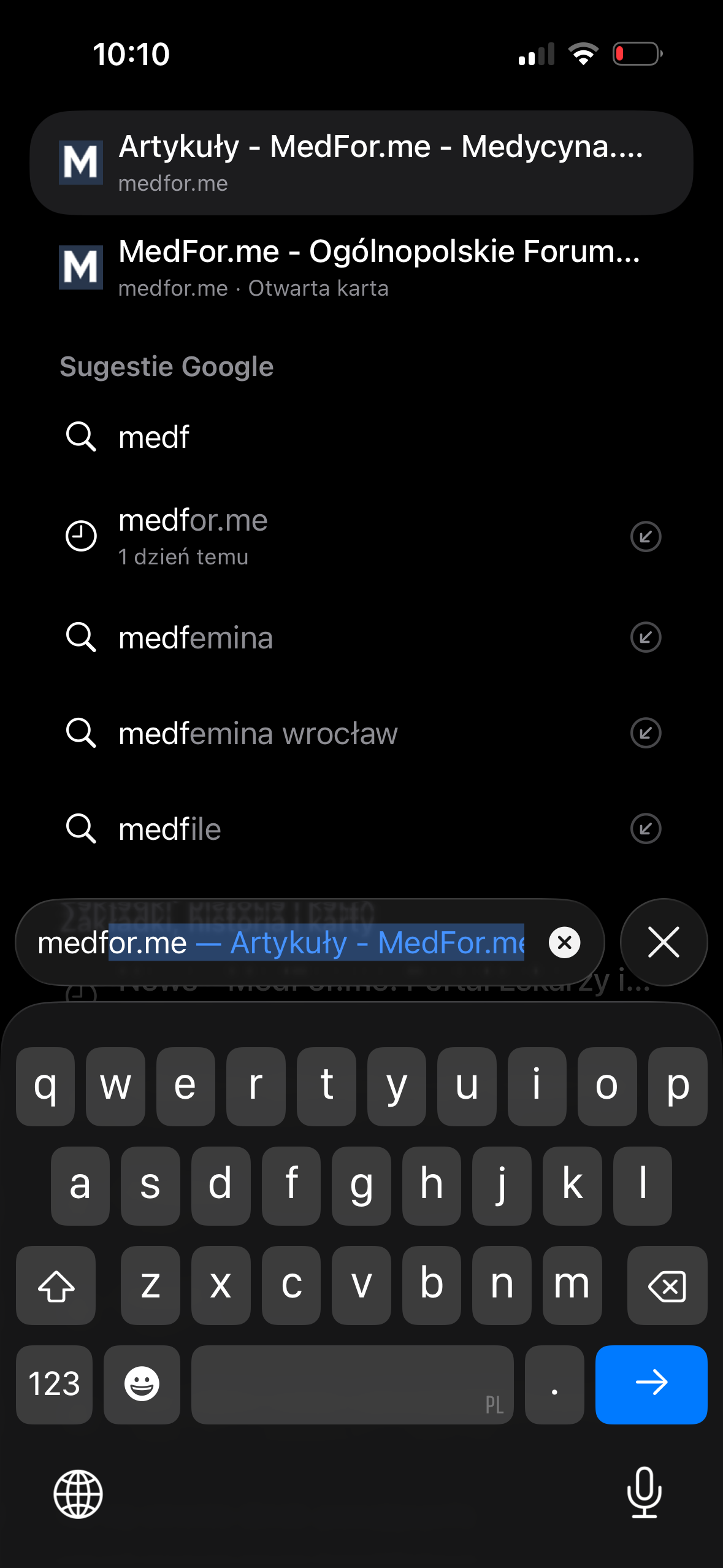
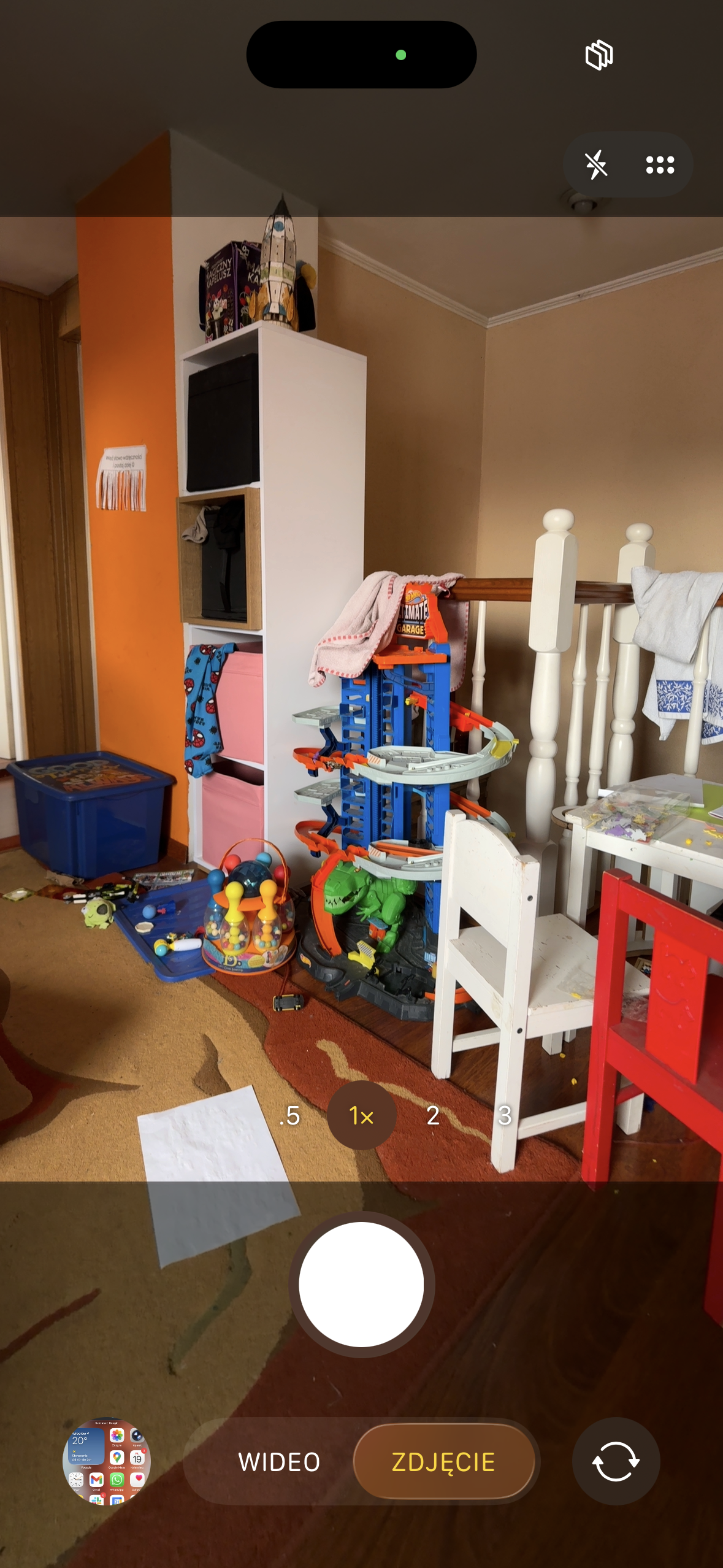
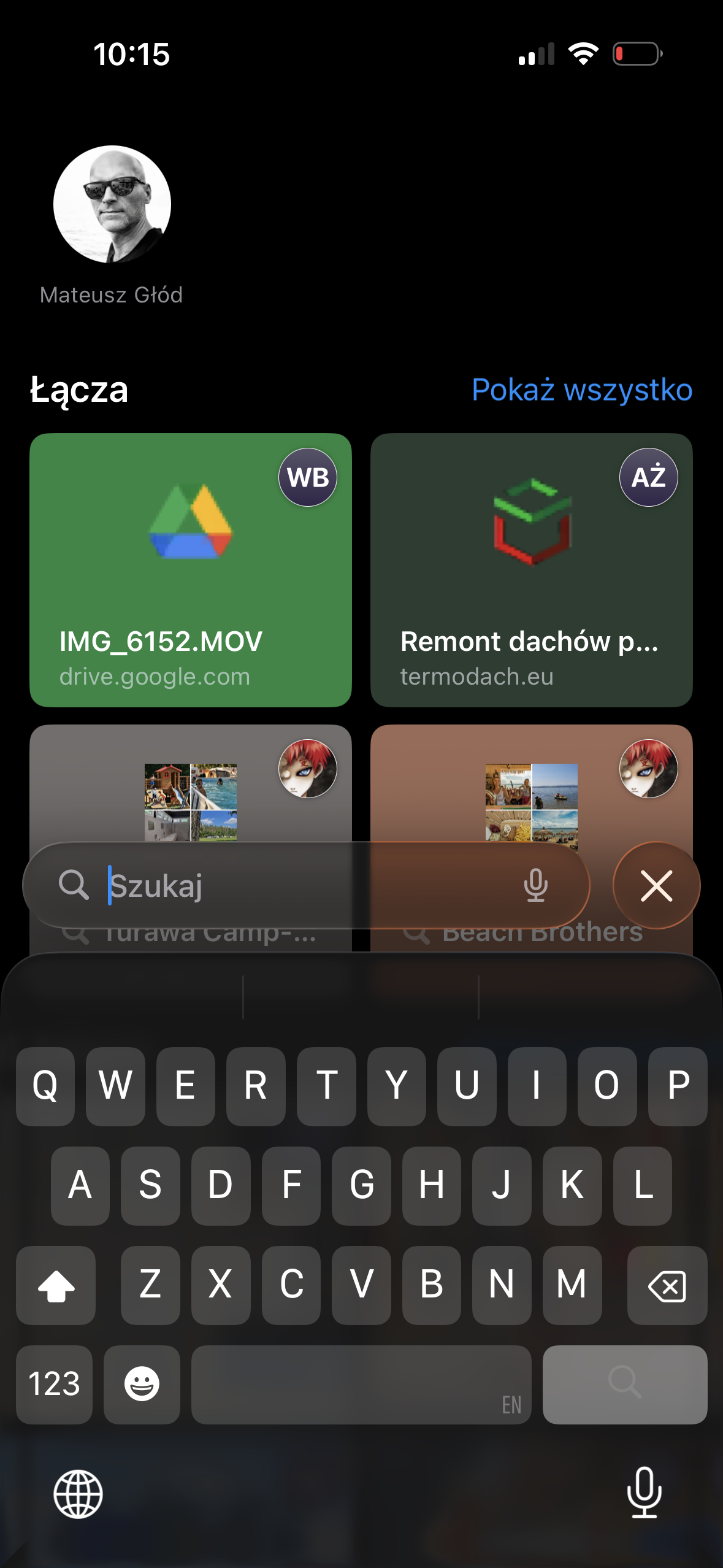
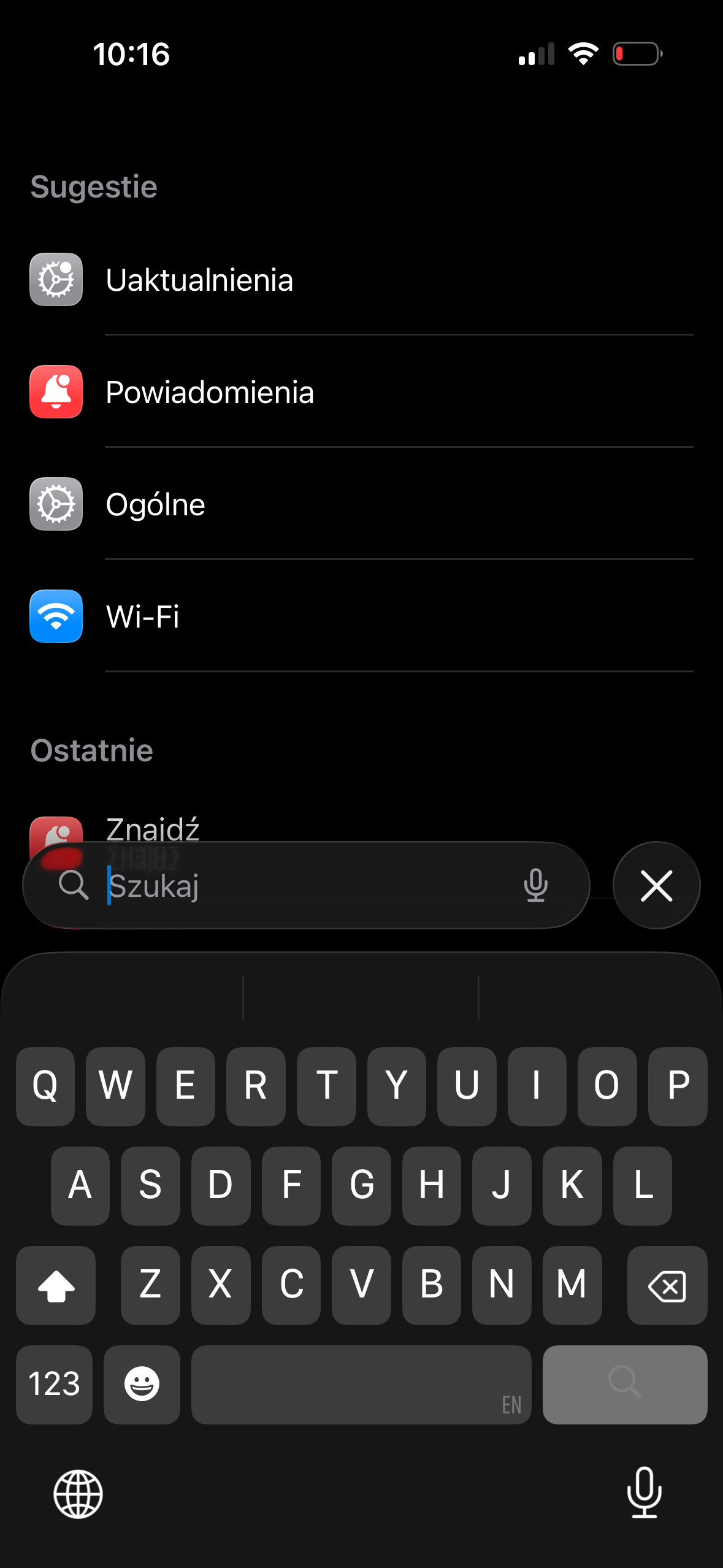
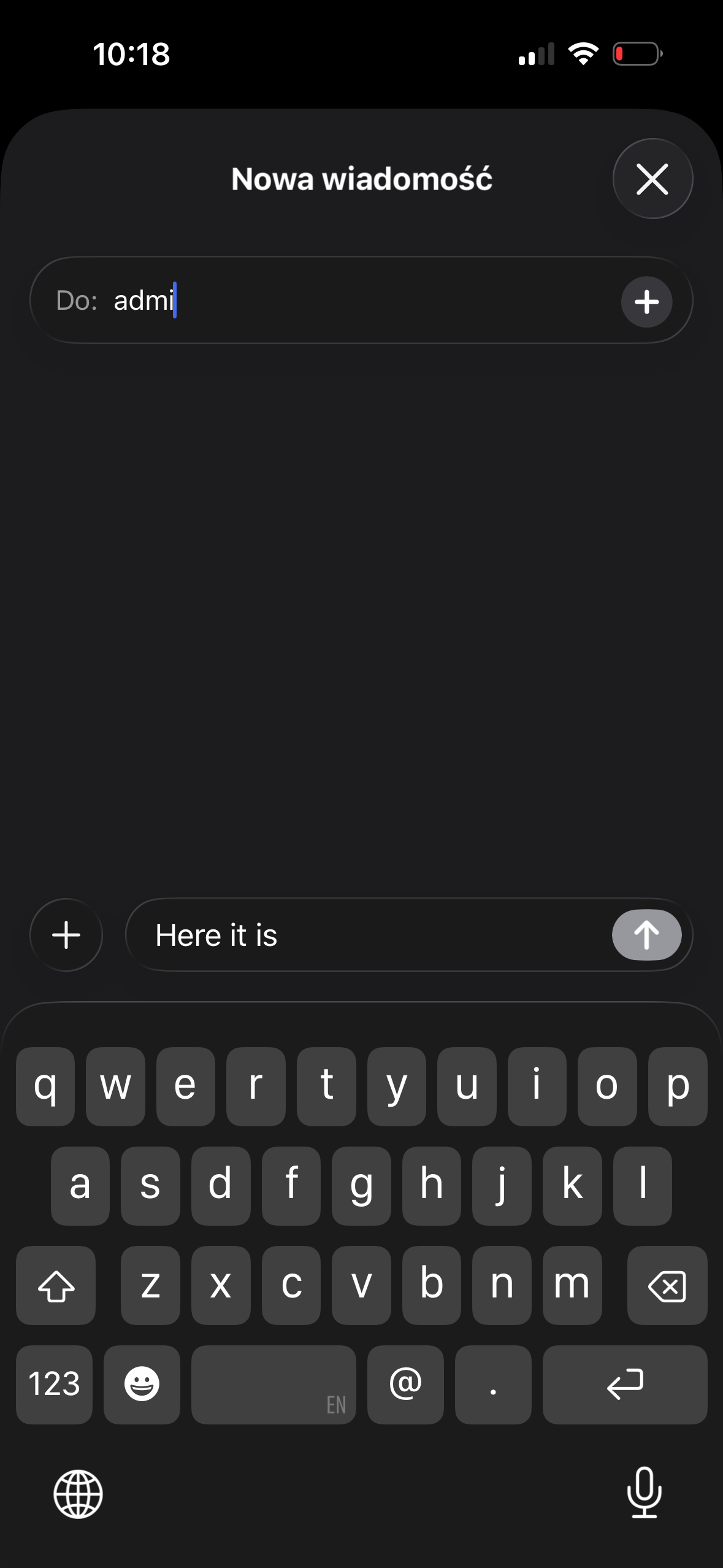
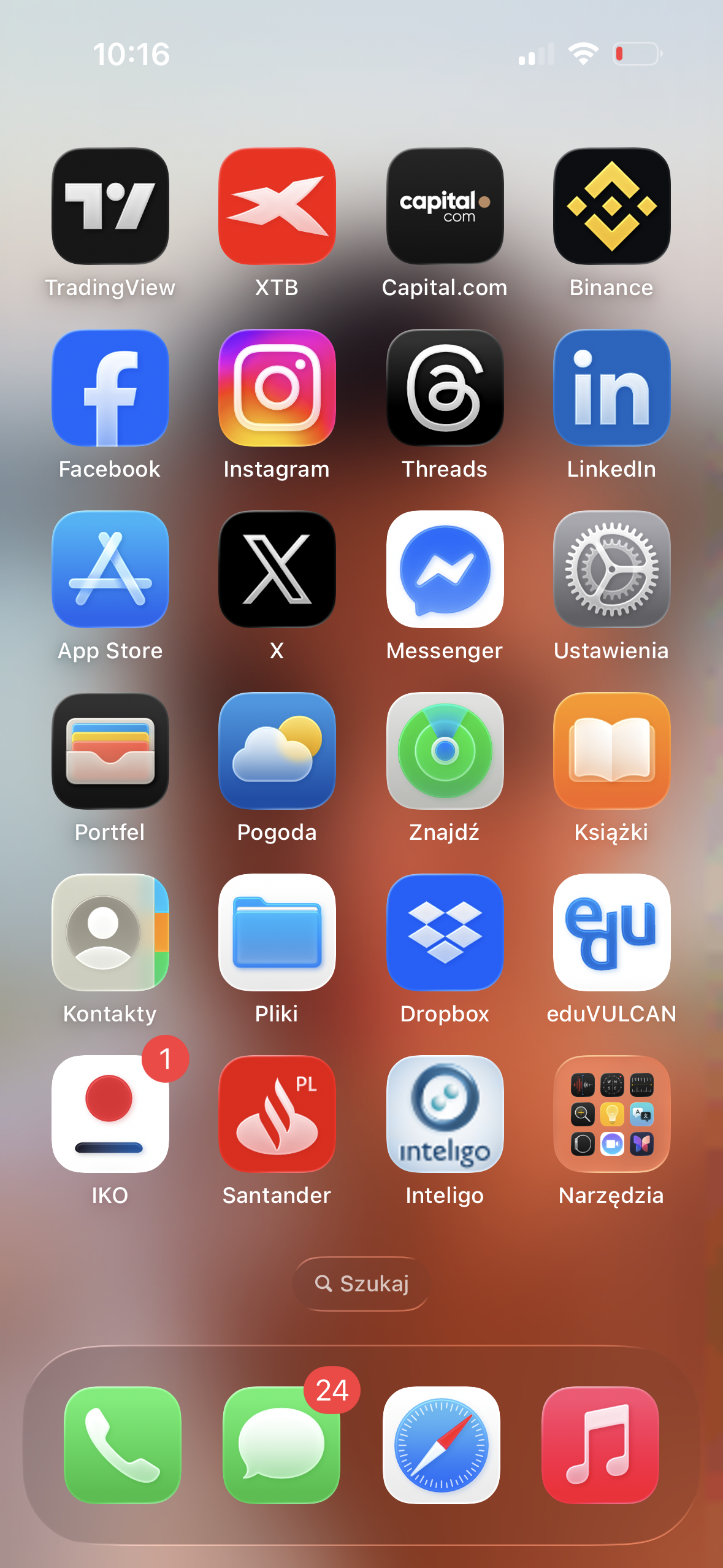
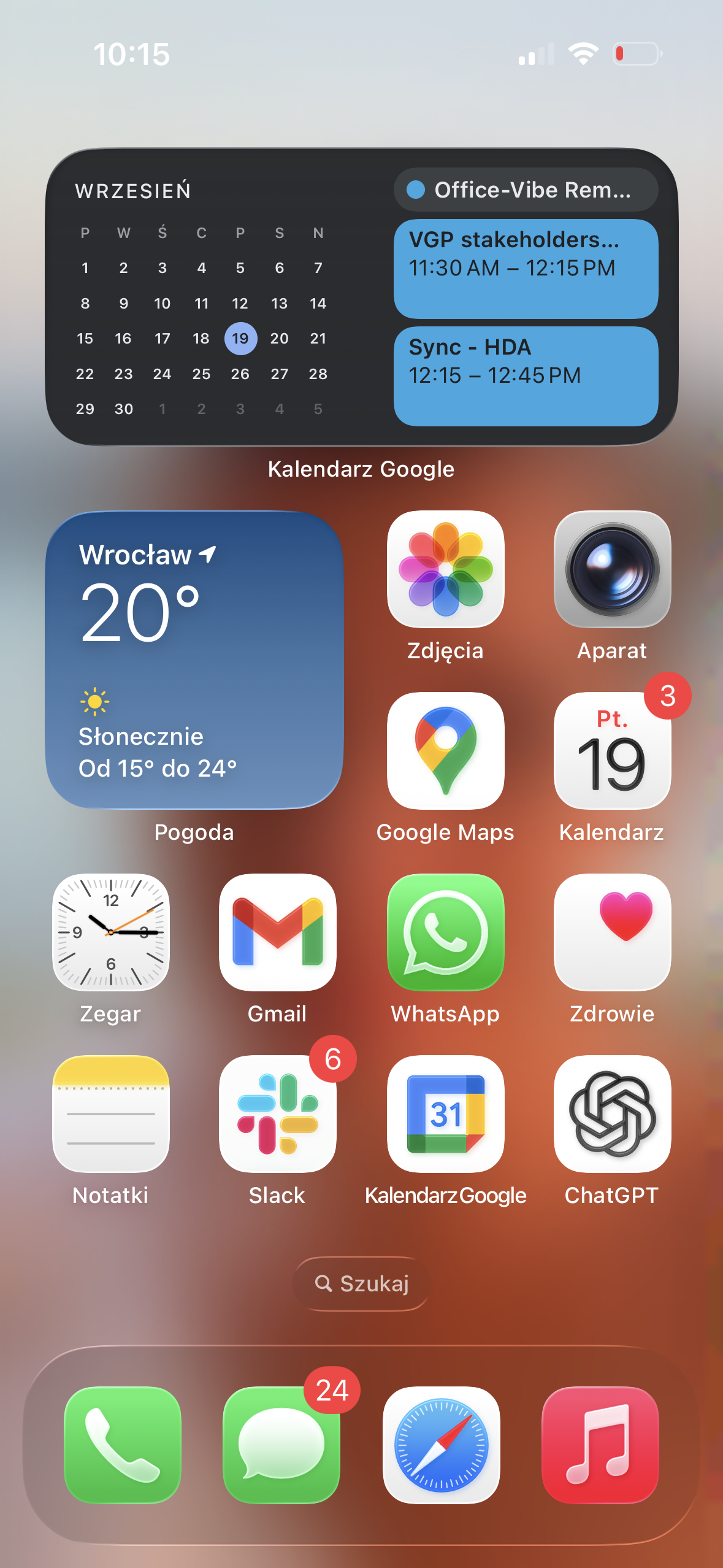
First, take a look at couple of screenshots ?
IMG_8191.png

IMG_8194.png

IMG_8190.png

IMG_8192.png

IMG_8193.png

IMG_8195.png

IMG_8197.png

My first feeling is that it's awkward and it's like we are all back to around 2010 and iPhone 3GS. However the usability is pretty nice and I admire new "search" functionality that appears everywhere. Rounded, more flat buttons - I don't have strong opinion yet.

Probably as always with Apple's releases - we will get used to it and it will be fine or even better :)

What are yours' first feelings?

Opinie użytkowników

Rekomendowane komentarze

Brak komentarzy do wyświetlenia

Join the conversation

You can post now and register later. If you have an account, sign in now to post with your account.

Gość
Dodaj komentarz...

Powiadomienie o plikach cookie

By using this site, you agree to our Warunki użytkowania.

Account

Navigation

Szukaj

Szukaj

Configure browser push notifications

Chrome (Android)
  1. Tap the lock icon next to the address bar.
  2. Tap Permissions → Notifications.
  3. Adjust your preference.
Chrome (Desktop)
  1. Click the padlock icon in the address bar.
  2. Select Site settings.
  3. Find Notifications and adjust your preference.